About
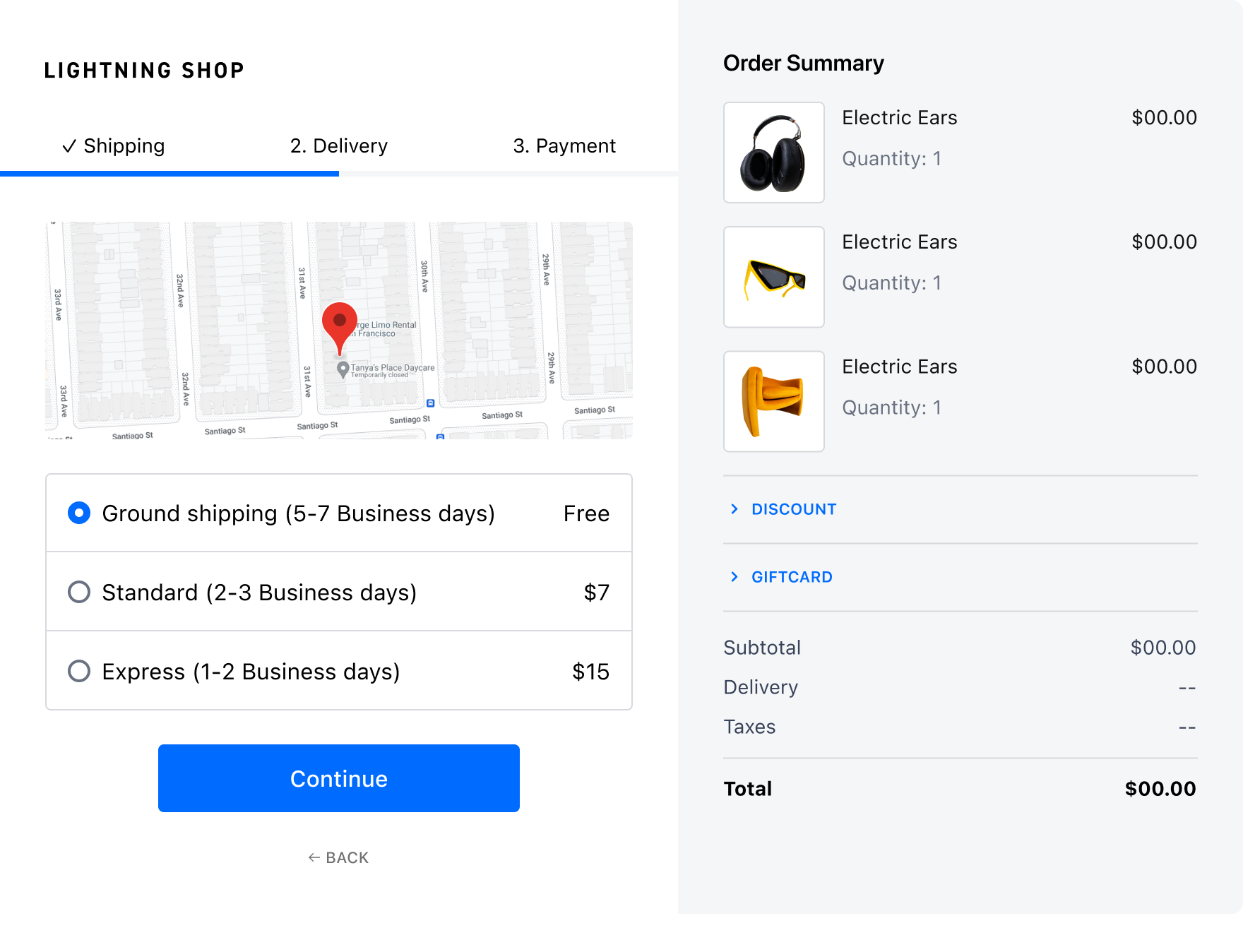
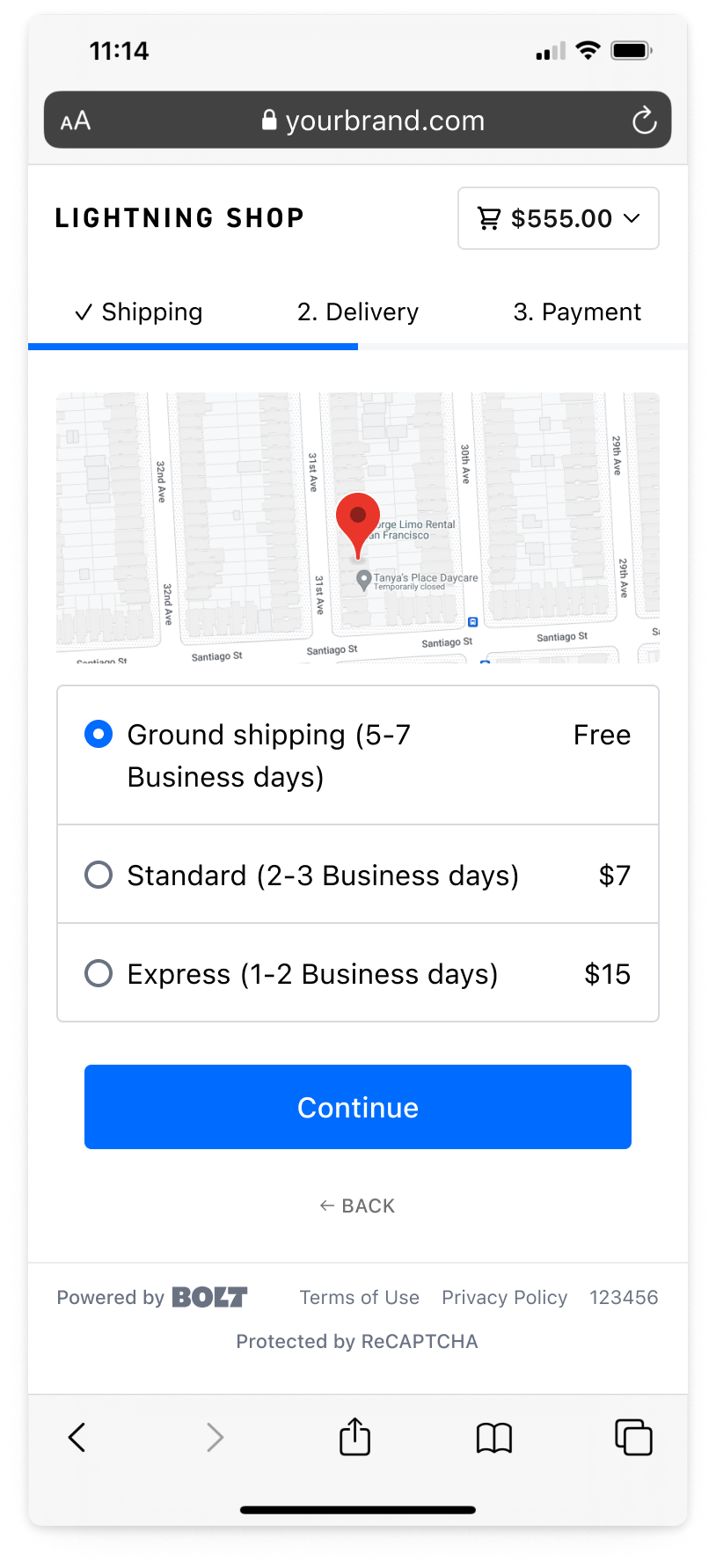
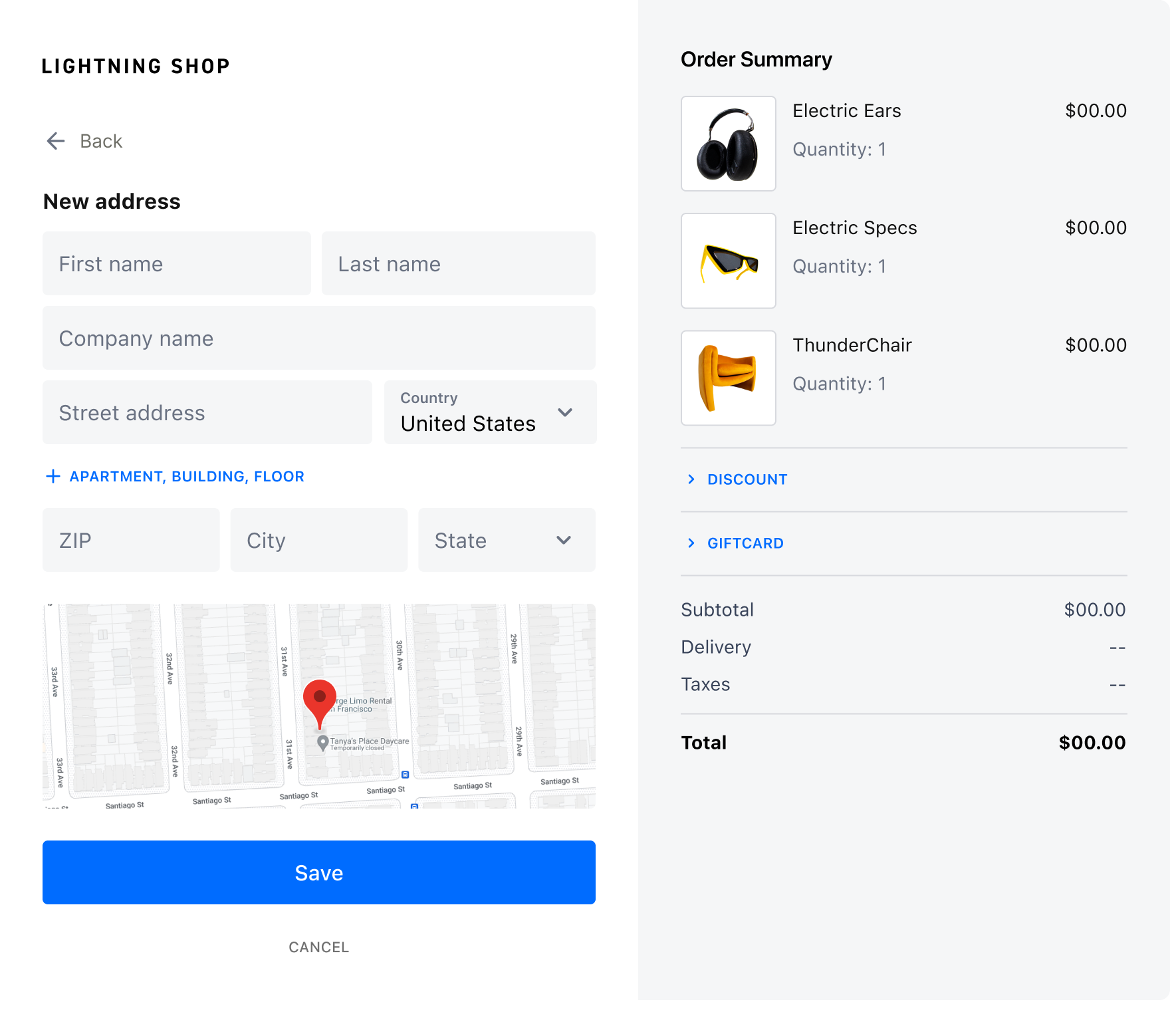
Maps in Checkout allows shoppers to view their address as they checkout. In addition to traditional address validation, Bolt helps the shopper validate their address by showing them a graphic representation via the Google Maps Embed API. This feature can prevent invalid entry, but is not a substitute for an address validation or recommendation service.
Availability
TO-DO
This feature is turned on by default. Bolt Checkout merchants can turn it off in the Merchant Dashboard: go to Checkout > Configuration > Checkout settings > Shipping & Delivery, turn on Advanced Mode, turn off Show embedded Google Maps, then select Save. The setting appears only for multi-step checkout. If you don’t see it, contact your Customer Success Manager.
| Product | Supported |
|---|---|
| Checkout | Yes. On by default. |
| Embeddable Checkout | Not supported. |
Shopper Experience
Shoppers will see a map populate the modal upon reaching the address entry step of checkout.