
📍
Bolt Help / Fraud & Risk / View Order Rejection Reasons
How to review Bolt's order rejection reasons on a given transaction, for users of Total Fraud Protection.
For users of Total Fraud Protection, review Bolt’s fraud decisioning to gain insight into why a transaction has been flagged as a risk.
How to View Fraud Decisioning
- Log in to the Bolt Merchant Dashboard.
- Navigate to Transactions.
- Click a transaction to view its details.
- Find the Risk Score section, which displays the score and top three factors affecting this score.
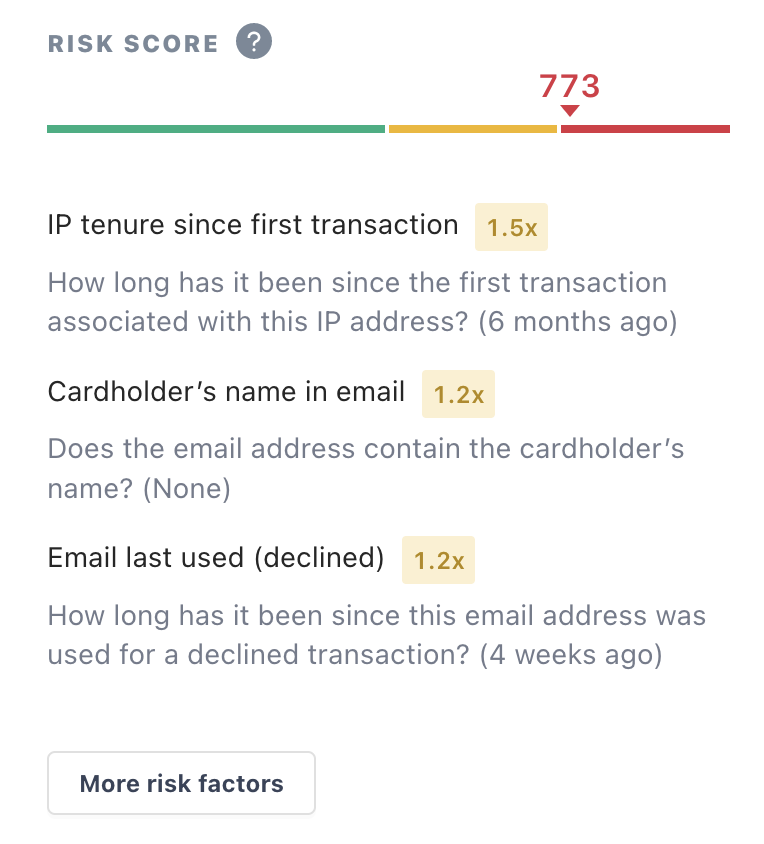
- Click View all risk factors to view all the factors impacting this score.
To see a full list of rejection reasons, see our list of key fraud signals.