
📍
Bolt Help / Fraud & Risk / Add Merchant IP Addresses
How to add merchant IP addresses to the allowlist in the Bolt Merchant Dashboard, for users of Total Fraud Protection.
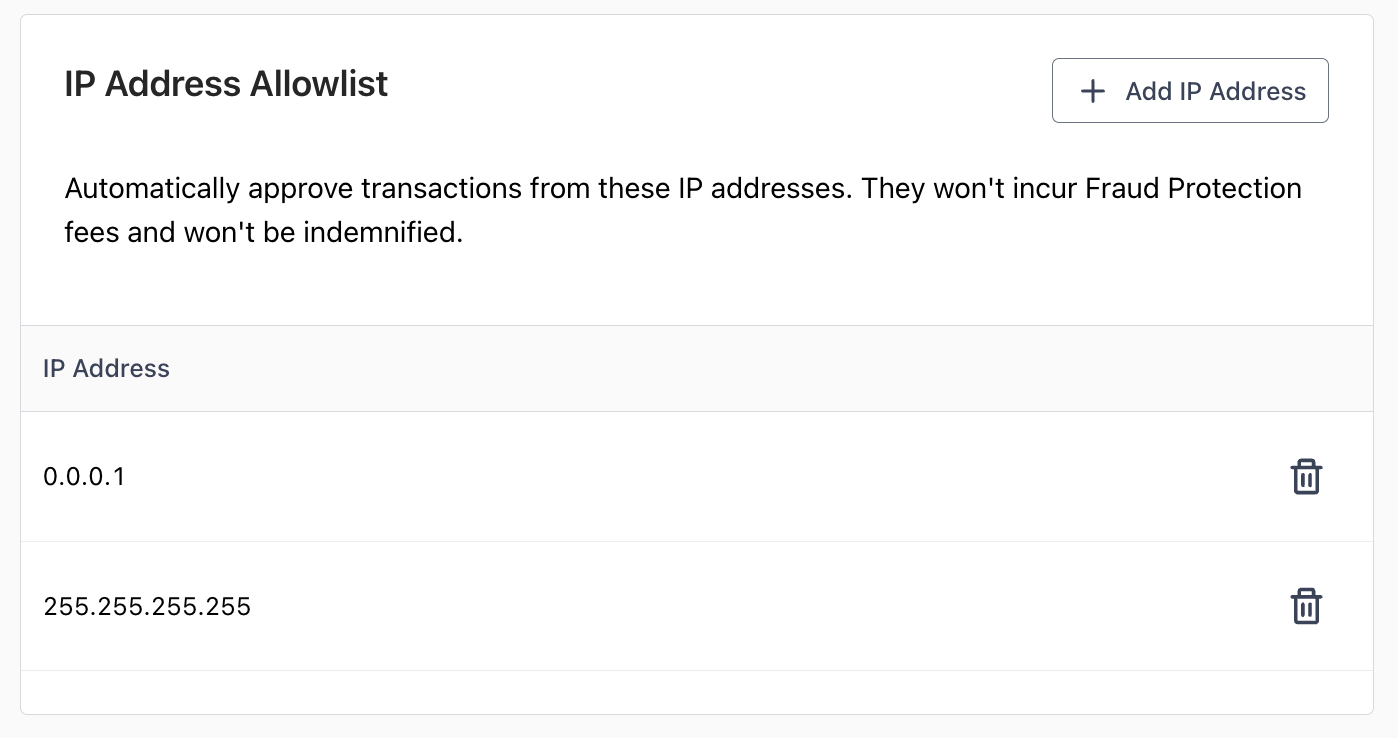
If you use Total Fraud Protection, add your office’s IP addresses to the allowlist for automatic approvals. These transactions are not charged Bolt’s Fraud Protection Fee and are not covered for fraud chargeback indemnification.
Add an Allowed IP Address
-
Log into the Bolt Merchant Dashboard.
-
Navigate to Fraud Protection > Settings > Allowlist > IP Address.
-
Click Add IP Address.
-
Enter the IP address.
-
Click Add.