
📍
Shoppers / Your Bolt Shopper Account / Manage Store Permissions
Manage what information merchants can access from your Bolt Shopper Account.
To remove a store’s access to your Bolt account data, go to the Account Settings page. After you remove access, you need to reauthorize the store the next time you check out using Bolt.
Remove Store Access
- Log in to your Bolt Shopper Account.
- Go to Account Settings.
- Select Manage store permissions.
- Find the relevant store and click the Remove icon.
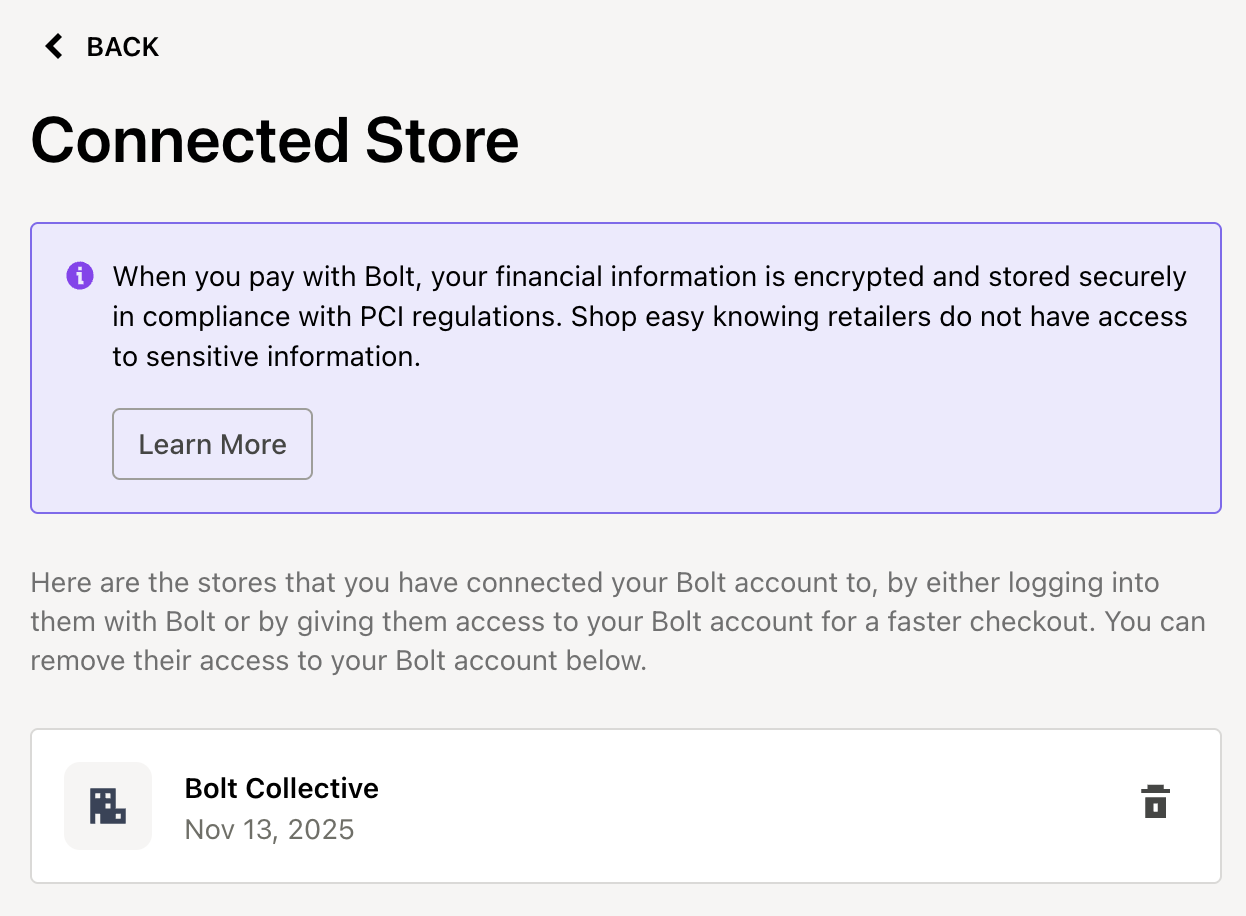
INFO
When you pay with Bolt, your financial information is encrypted and stored securely in compliance with PCI regulations. Merchants do not have access to your sensitive payment data. Learn more on Bolt’s Privacy Policy page.