
📍
Shoppers / Your Bolt Shopper Account / Set Preferred Login Method
Learn how to change the preferred login method.
-
Log in to your Bolt Shopper Account.
-
Go to Account Settings.
-
Find the Login Method setting and click Edit (pencil icon).
-
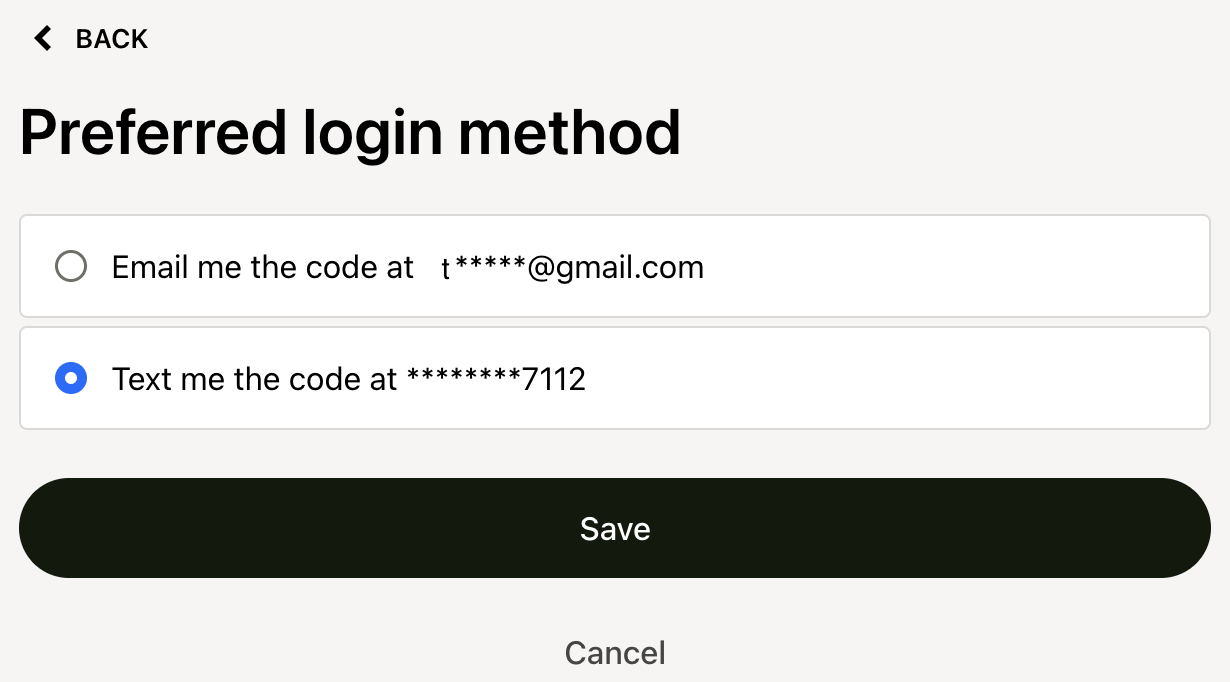
Click your preferred login method. If you choose SMS, you may be prompted to enter or verify your phone number.
-
Click Save.
-
Next time you log into your Bolt Shopper Account, you receive your verification code to your preferred login method.